You’re traveling to a place where you don’t speak the language or eating at a special restaurant. If you are unable to understand a menu written in another language, the phone’s camera can bridge the language gap. However, for this you will have to use an app like Google Translate. But overall, through the camera only you can understand everything by converting the text written in another language into your own language in real time.
You can listen to any speech or conversation in your own language instantly. You can use Google Translate to do this. Gemini’s capabilities have been integrated into the Google Translate app.
Google has rolled out a major update for its headphones. The company has announced a new feature that allows you to turn wired or wireless headphones into real-time translation devices.
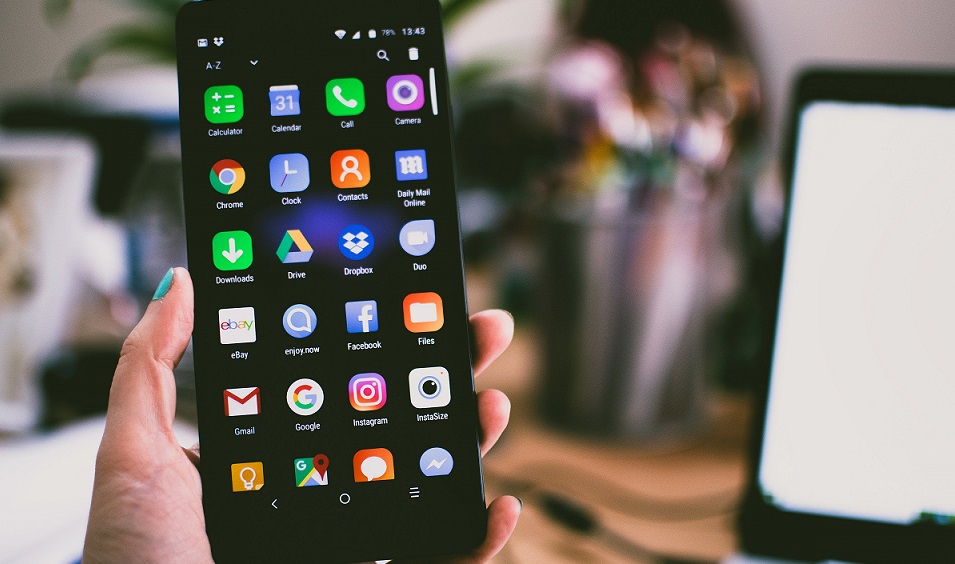
This means that Google Translate is now offering live translation with the help of Gemini.
Now you can turn any of your headphones into a real-time translation device. Simply connect them to your phone and open the Google Translate app.
Then you can hear the translation of any language in real time. For example, you’re listening to a lecture in French or watching a Korean drama without subtitles, and you’ll understand every word.
Now all you have to do is point your phone at the person speaking and you’ll hear their voice in your own language.
For your information, this feature is available for Android and iOS apps. Additionally, this feature can also be used on websites and Google Search.
It can be used to translate between approximately 20 languages, including English, Spanish, Arabic, Chinese, Japanese, and German.
Bhashini app